All Components
Introduction#
Web base contains a number of Components and Blocks and a BlockBuilder system that can be used to build pages, in the CMS and in twig templates, along with some more standard twig components.
Blocks#
For information about creating new blocks, Block Builder and Auto Block Render and the Blocks Overview
Block Builder#
_inc/blocks/blockBuilder.twig
A dynamic content builder which editors can be used to build pages. Multiple block builders can be defined in the CMS with different sets of blocks.
It is possible to lock the default Block Builder so only admins can rearrange blocks.
Read more on BlockBuilder here.
Text Content#
_inc/blocks/textContent.twig
A redactor text component.
Large Image#
_inc/blocks/large-image.twig
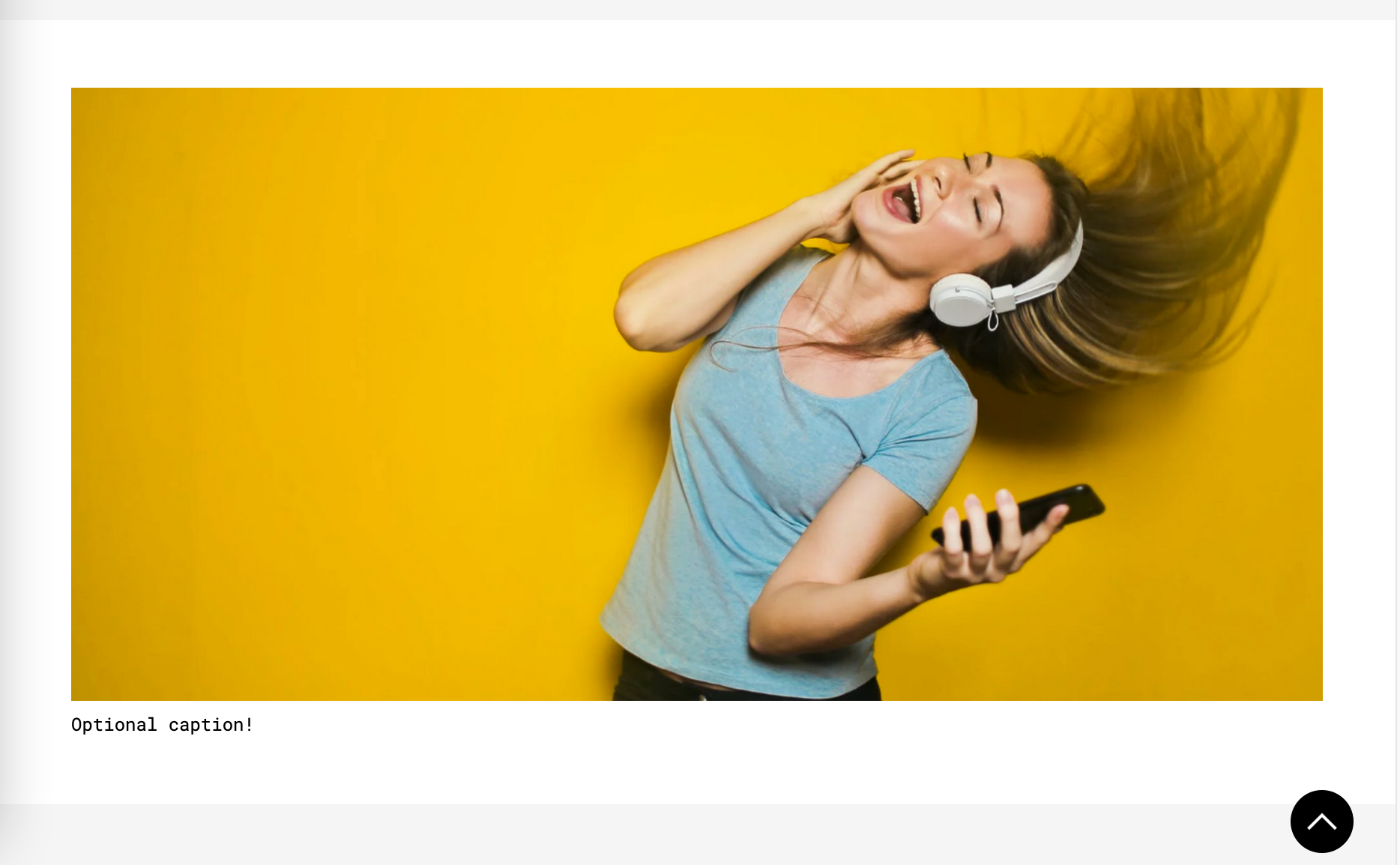
A large image with and optional caption.
background- The background of the coponent (page edge to page edge)padding- Padding for inside the container e.g. '2rem 40% 2rem 0' will make the image 60% of the container.useContainer- true or false. False will mean the image will scale to fit the whole page
General Components#
The following are not BlockBuilder Blocks but rather components that can be included around the site.
Mailchimp Subscribe#
_inc/forms/mailchimp-sign-up.twig
A form based on Mailchimp's sign up embed forms.
mailChimpUrl- A mailchimp URL can be found in the source of a form in MailChimp Audience -> Embedded FormsmergeTags-buttonText-buttonClasses-placeholderText-buttonContainerClassesOutsideInput-showButtonInsideInput-